
Frog
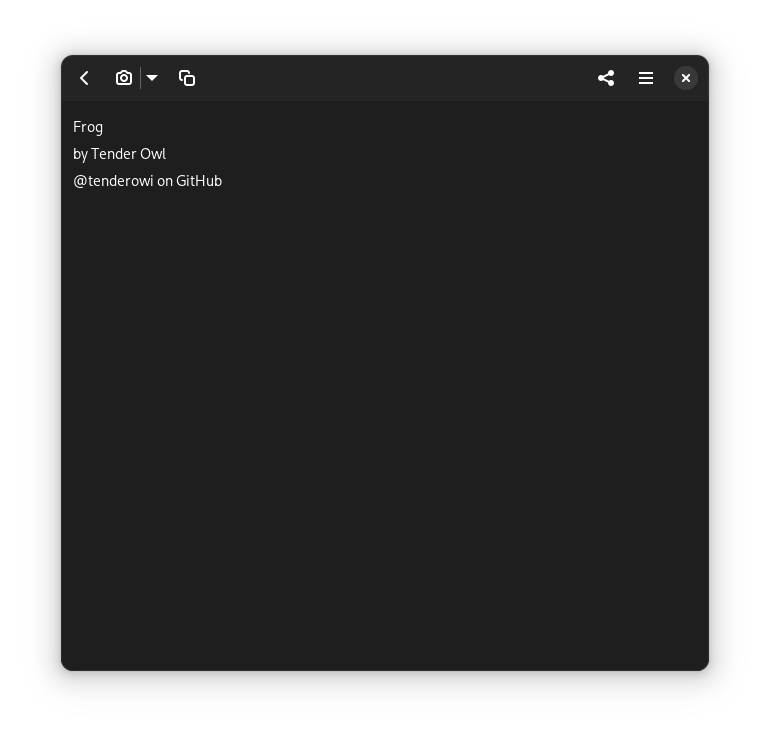
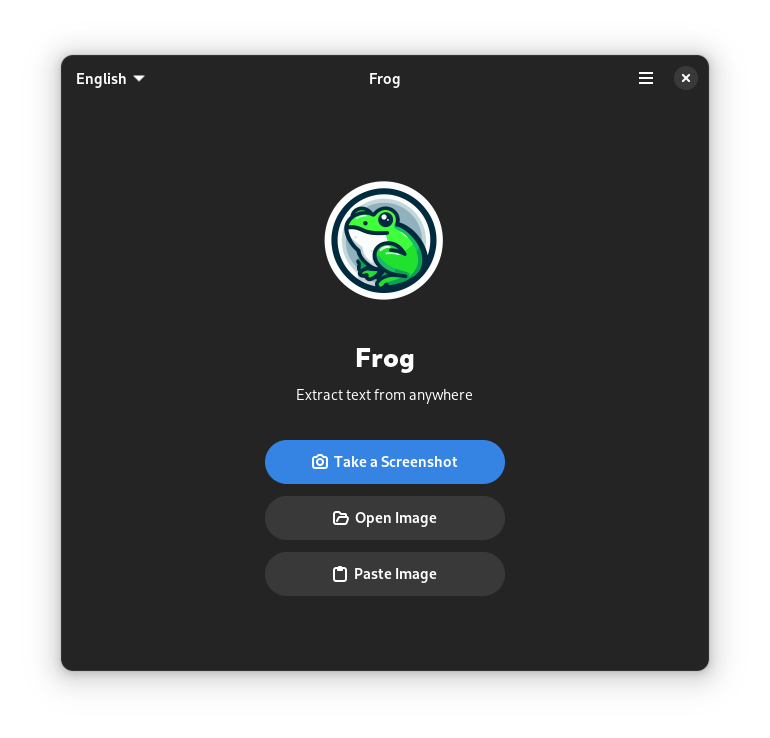
Discover Frog, the ultimate Linux OCR tool. Read our review to see how this lightweight app extracts text from images, videos, and QR codes instantly.
The Frog image text extraction tool is a specialized, open-source utility designed for Linux users who need a quick and reliable way to convert visual data into editable text. Developed by Tender Owl, this lightweight application streamlines the optical character recognition (OCR) workflow, allowing you to capture text from virtually any static or moving visual source on your screen without manual retyping.
How the Frog Image Text Extraction Tool Works
Unlike heavy enterprise document suites, Frog focuses on speed and simplicity. The application operates by letting users take a quick snapshot of any region on their screen. Once the area is selected, the built-in OCR engine processes the visual information and instantly copies the detected text to your clipboard. This straightforward approach eliminates the tedious middle steps of saving files, uploading them to online converters, or dealing with complex command-line arguments.
Key Features and Capabilities
- Versatile Source Support: Extract text from standard images, active websites, paused video frames, and even system menus.
- QR Code Decoding: Beyond standard alphabetical characters, the app quickly reads and parses QR codes to retrieve URLs or encoded text.
- Native Linux Integration: Designed specifically for the Linux desktop ecosystem, ensuring a clean interface and smooth system performance.
- Privacy-First Processing: Since the OCR processing happens locally on your machine, your sensitive screenshots and extracted data are never uploaded to third-party servers.
Who Benefits Most From This Tool?
The Frog image text extraction tool is particularly beneficial for developers, students, researchers, and system administrators. If you frequently find yourself needing to copy error messages from non-selectable terminal windows, grab quotes from video presentations, or extract data from locked PDFs, this utility is a major time-saver. Its minimalist design ensures that it stays out of your way until the exact moment you need to extract text from your screen.
Our Verdict
Frog excels at doing one job extremely well. By removing the friction from local OCR tasks, Tender Owl has created a highly practical utility for the Linux community. If you are looking to boost your productivity and simplify how you capture on-screen information, we highly recommend checking out this application. To try it out for yourself, head over to the official Flathub store page to learn more and install the application on your system.