

Final Cut Pro
Read our comprehensive review of Final Cut Pro for Mac. Discover how this professional video editing software elevates your creative projects to the next level.
The Next Generation of Post-Production
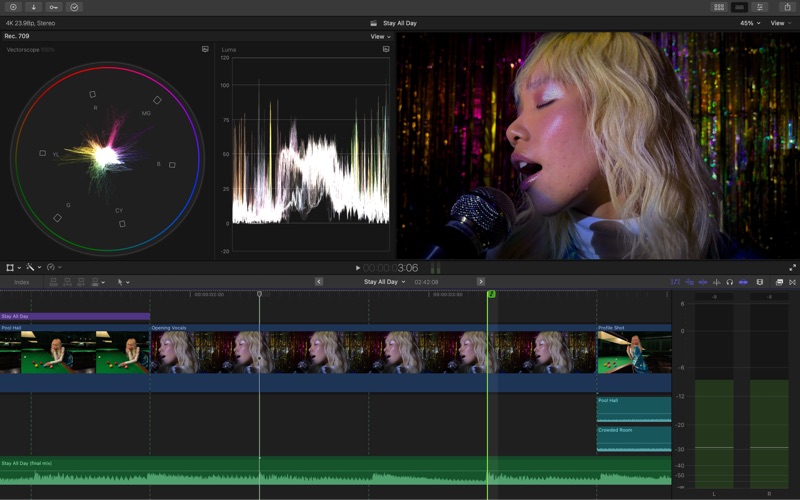
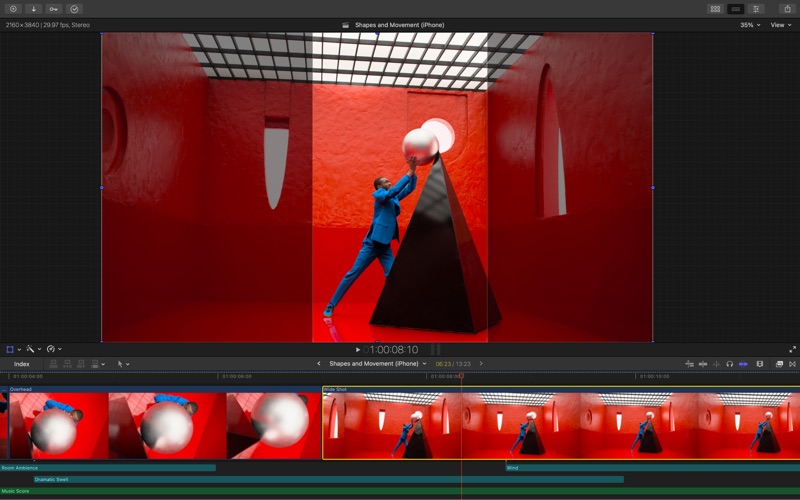
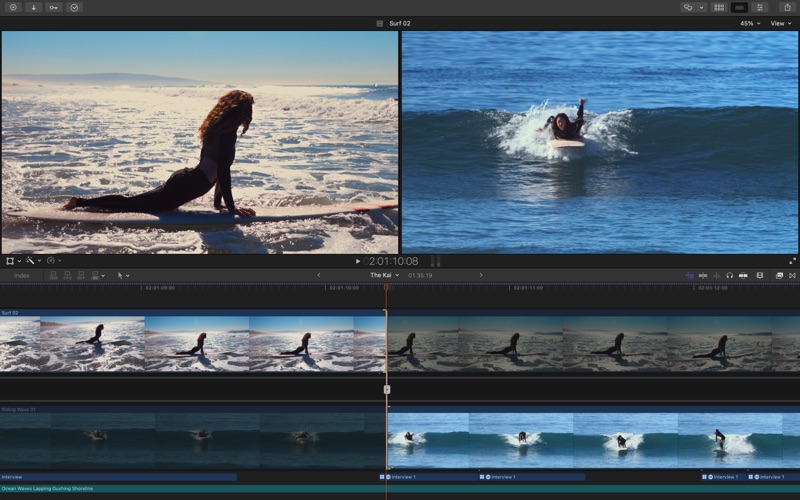
Stepping into the timeline of Final Cut Pro video editing software feels immediately different from traditional track-based editors. Built specifically to harness the maximum potential of Apple hardware, this application delivers an incredibly fluid editing experience that keeps pace with your creative thoughts. Whether you are cutting a quick social media clip or assembling a complex multi-camera production, the interface responds with remarkable speed and precision.
Key Features of Final Cut Pro Video Editing Software
What makes this software a staple in professional production environments is its thoughtful approach to media management and timeline mechanics. Here are the standout features that define the experience:
- The Magnetic Timeline: By utilizing advanced metadata and Clip Connections, the timeline prevents collision issues and keeps your audio and video perfectly synced as you move clips around.
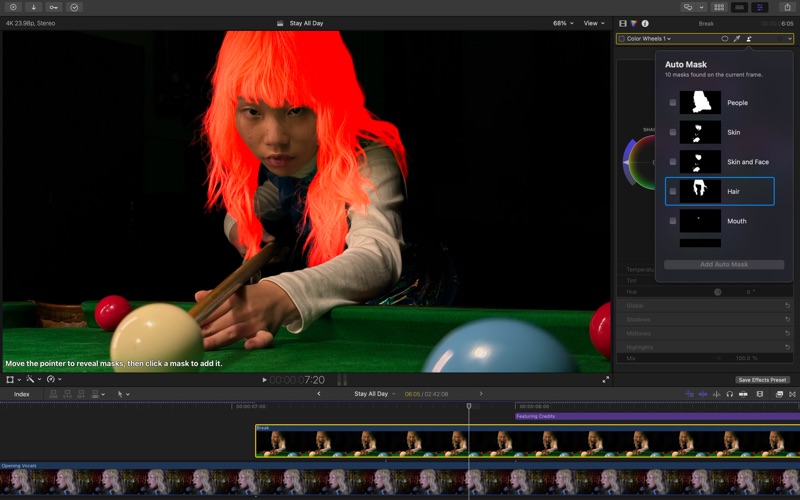
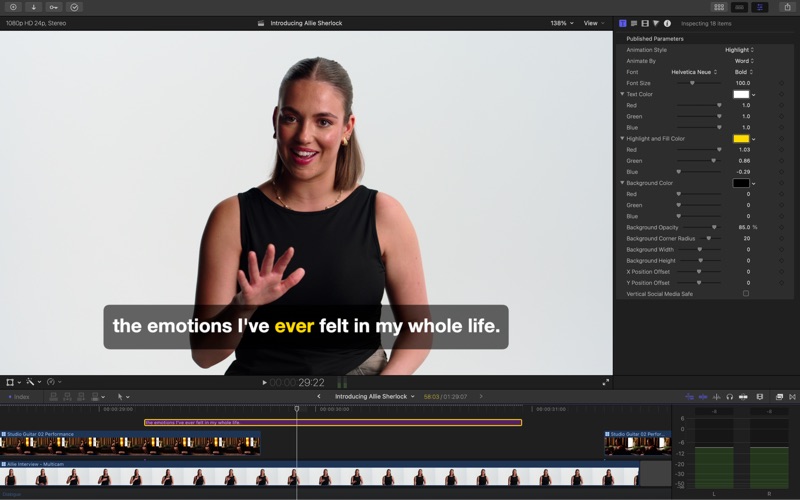
- AI-Powered Automation: Features like Generate Captions analyze spoken audio to build accurate subtitles instantly, while the Magnetic Mask tracks and isolates objects without tedious manual rotoscoping.
- Smart Conform: Automatically reframe projects into square or vertical formats, making cross-platform delivery for social channels incredibly straightforward.
- Integrated Audio Tools: Expand multichannel audio directly in your timeline and apply advanced noise reduction plugins inherited from Logic Pro technology to isolate clean vocals.
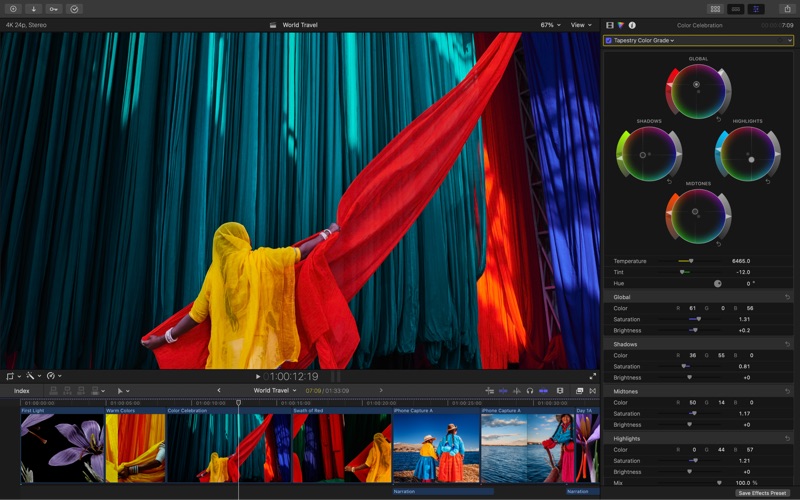
- Advanced Color Grading: Precise color wheels, customizable curves, and automatic HDR/SDR tone-mapping provide complete control over your project's visual aesthetic.
Who Is This Editing Suite For?
Developed by Apple Inc., Final Cut Pro is engineered specifically for Mac users who require uncompromising performance. It is an ideal match for independent filmmakers, content creators, and corporate video editors who need to manage massive projects under tight deadlines. Thanks to deep optimization for Apple silicon, complex rendering and multi-stream ProRes playback occur seamlessly without stuttering, allowing you to focus entirely on the storytelling process.
System Requirements and Compatibility
To run this powerful design tool, your system must meet specific criteria. It requires macOS 15.6 or later, a minimum of 8 GB of memory (with 16 GB recommended for optimal workflow), and at least 7.2 GB of available disk space. Intel-based Mac systems will also require a Metal-capable graphics card to handle the intensive visual processing. Note that select advanced features are exclusive to Mac computers equipped with Apple silicon.
Conclusion
Final Cut Pro video editing software remains a benchmark for speed, efficiency, and intuitive design on macOS. It successfully bridges the gap between accessible, fluid editing mechanics and deep, professional-grade post-production capabilities. To explore this application further and add it to your creative toolkit, visit the official Apple Mac App Store page to get started.