

Virtual Meeting Backgrounds
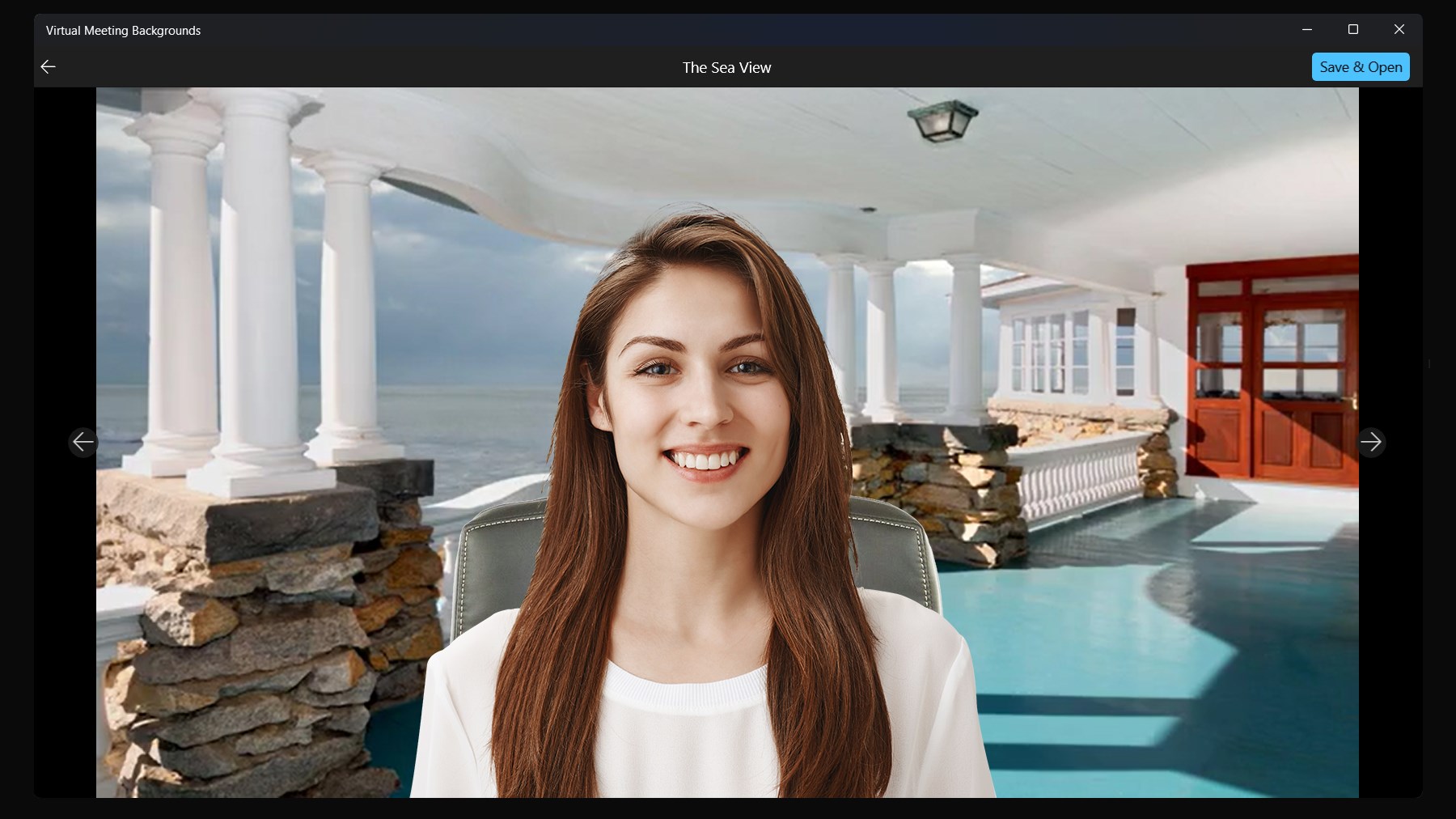
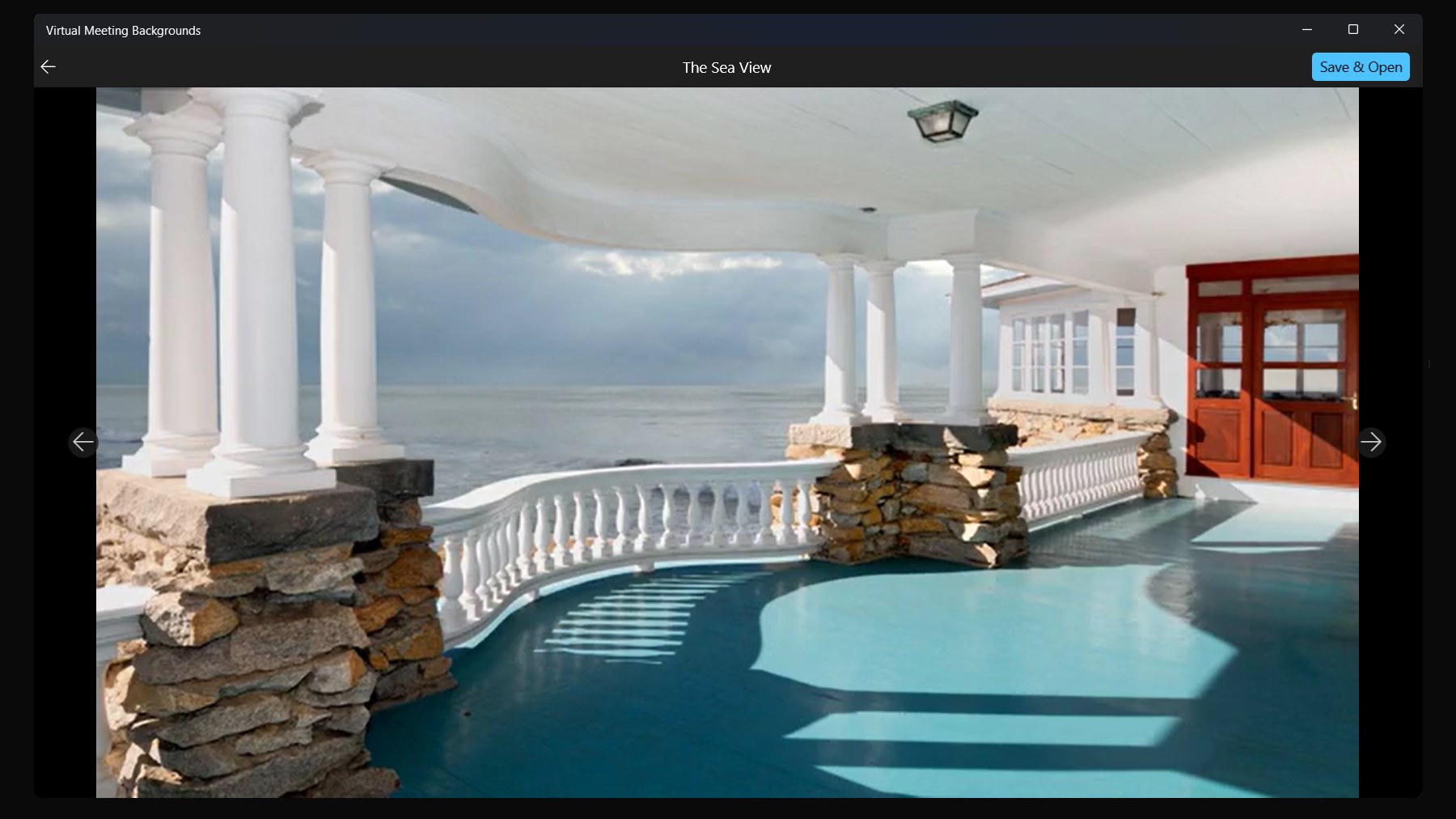
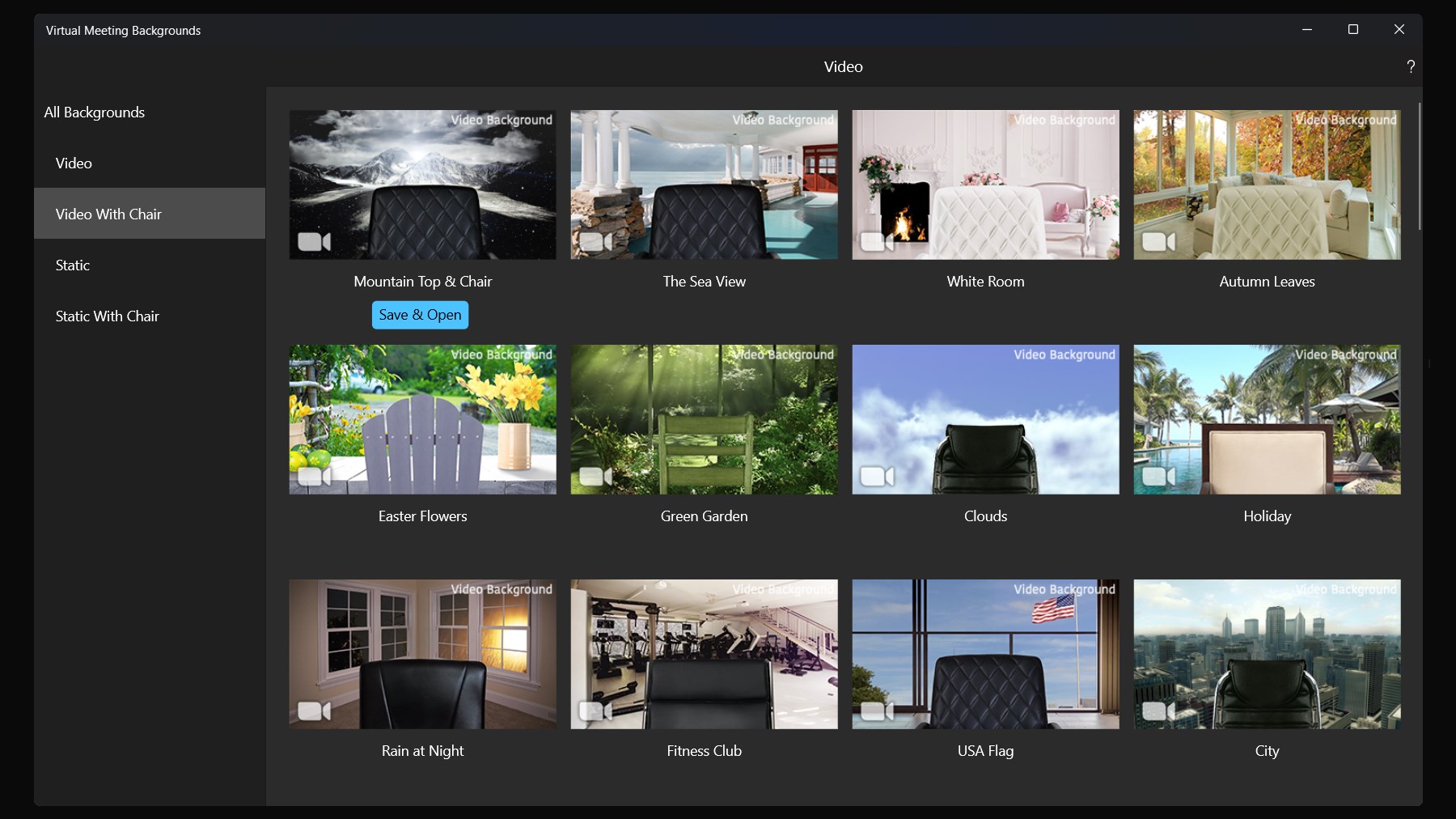
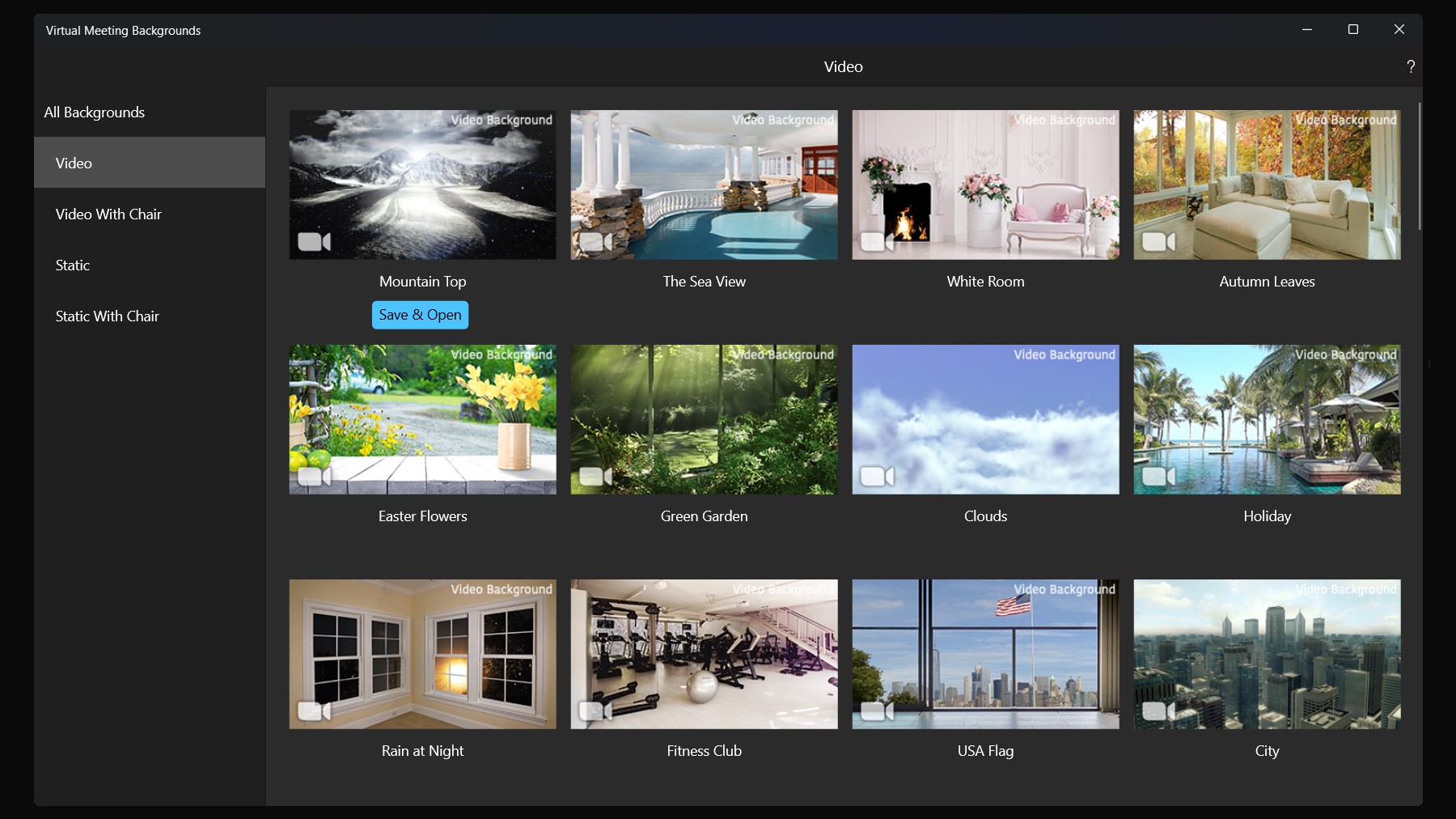
Read our comprehensive review of Virtual Meeting Backgrounds for Windows. Discover how to instantly elevate your professional video conferences and privacy.
Enhance Your Professional Presence with Virtual Meeting Backgrounds
In the modern era of remote work, our digital workspaces are just as important as our physical offices. Virtual Meeting Backgrounds is a dedicated Windows application developed by MakeTone, designed to solve a very common professional headache: finding a clean, distraction-free backdrop for video conferences. Whether you are dialing in from a busy coffee shop, a shared home office, or simply want to keep your personal living environment private, this software provides an elegant solution.
Protecting Privacy in Your Daily Digital Interactions
Maintaining professional boundaries during video calls can be challenging. When conferencing with new clients, external vendors, or unfamiliar stakeholders, sharing your home details might not feel appropriate. Similarly, working from public spaces often presents unpredictable backgrounds. The Virtual Meeting Backgrounds application helps you establish a consistent, polished appearance. It allows users to easily swap out their real-world surroundings for a high-quality static image, ensuring your audience remains focused on you and your message rather than your background.
Curated Collections for Every Professional Scenario
This software caters to a diverse range of industries and personalities with curated categories, ensuring you always have the right backdrop for the occasion:
- Academic & Research: Tailored backdrops designed specifically for teachers, lecturers, and scientists who need an authoritative, educational setting.
- Creative & Modern: Stylized environments that fit the aesthetic of designers, developers, and creative directors.
- Nature & Lifestyle: Beautiful outdoor scenery, cozy holiday vibes, and food-themed designs for more casual team catch-ups.
- General Business: Neutral, high-end office environments perfect for formal executive presentations.
Simple Integration with Leading Video Call Platforms
Using the app is incredibly straightforward. Rather than navigating complex setup menus, you simply browse the high-definition library within the app, select your preferred image, and download it to your Windows device. From there, you can upload the image directly into your video conferencing platform of choice, including Zoom, Google Meet, Microsoft Teams, and other major communication tools. The purchase model is straightforward: a single purchase unlocks the entire library permanently, granting you lifetime updates as new designs are added to the collection.
Is It Right for You?
If you regularly participate in online presentations, lectures, or client consultations, maintaining a polished image is essential. This tool eliminates the stress of tidying up your physical space before an unexpected call. To explore the full catalog of professional backdrops and elevate your next video call, visit the official store page on the Microsoft Store.