
OpenBoard
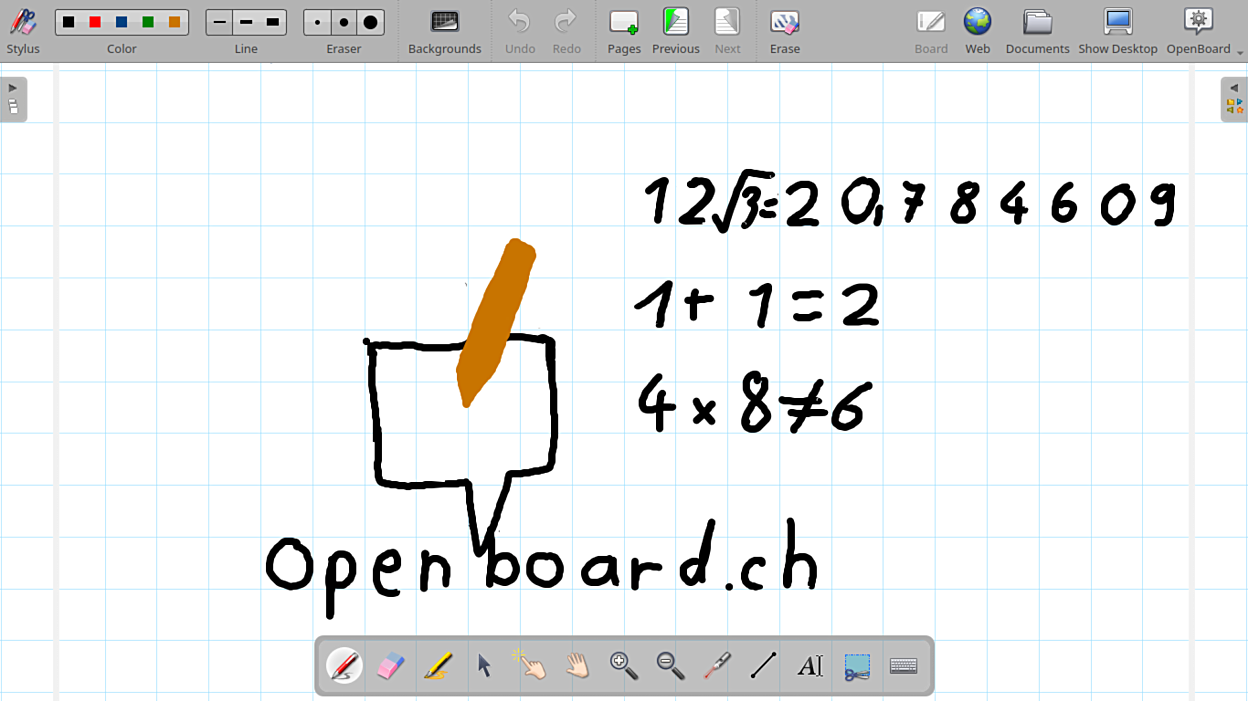
Discover OpenBoard, the premier open-source interactive whiteboard software for Linux. Read our full review to see how it transforms classrooms.
Transforming Classrooms with OpenBoard Interactive Whiteboard Software
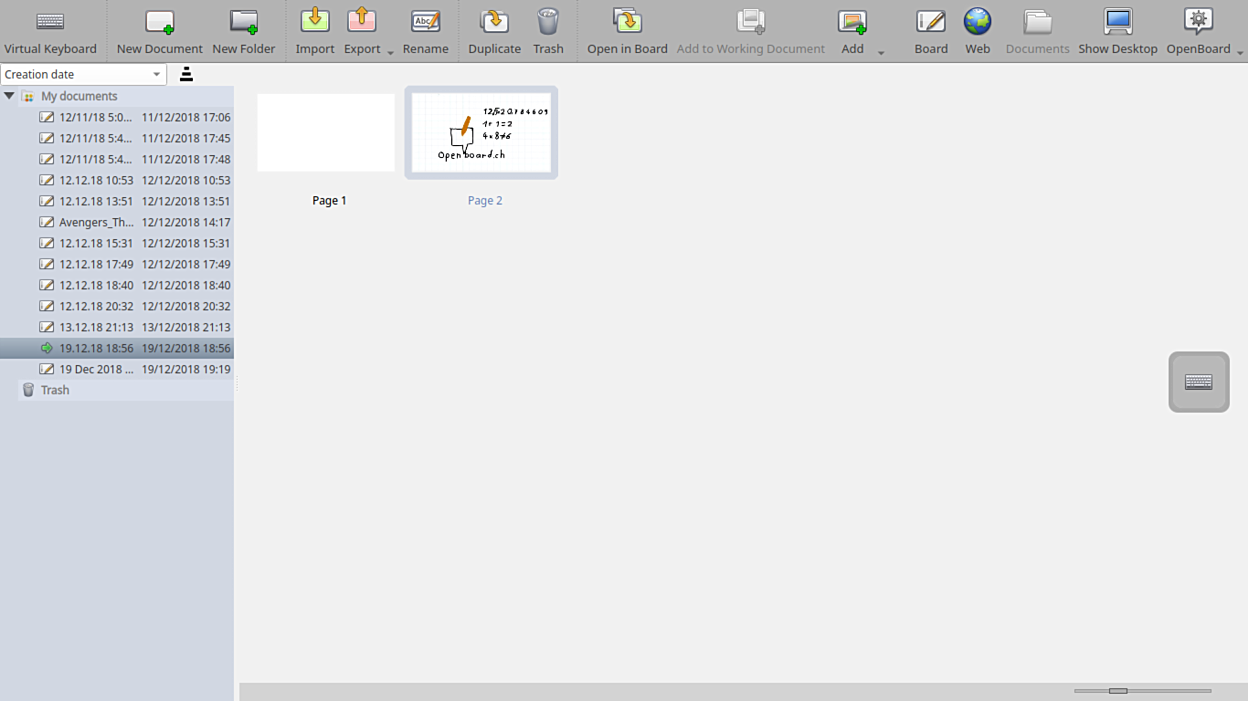
Imagine walking into a lecture hall where your digital presentation feels as fluid and natural as writing on a traditional chalkboard. The OpenBoard interactive whiteboard software delivers exactly this experience. Designed specifically for academic environments, this open-source application strips away the clutter of corporate presentation tools, replacing them with an intuitive canvas optimized for real-time teaching, drawing, and student engagement.
An Intuitive Interface Designed for Educators
When you launch the OpenBoard interactive whiteboard software on Linux, the first thing you notice is its clean, distraction-free environment. Unlike general-purpose drawing programs, every tool here is built with pedagogy in mind. The interface prioritizes high visibility and rapid access to essential instruments, ensuring that teachers can focus on their students rather than navigating complex menus.
Key Features of OpenBoard
- Dual-Screen Optimization: Perfect for modern lecture halls, it supports a dual-display setup where instructors can write on a pen-tablet display while students view the clean output via a projector.
- Multi-Platform Heritage on Linux: Specifically packaged for Linux distributions, it runs smoothly and integrates well with various open-source desktop environments.
- Rich Annotation Tools: Write, draw, highlight, and annotate over various document types seamlessly during live lectures.
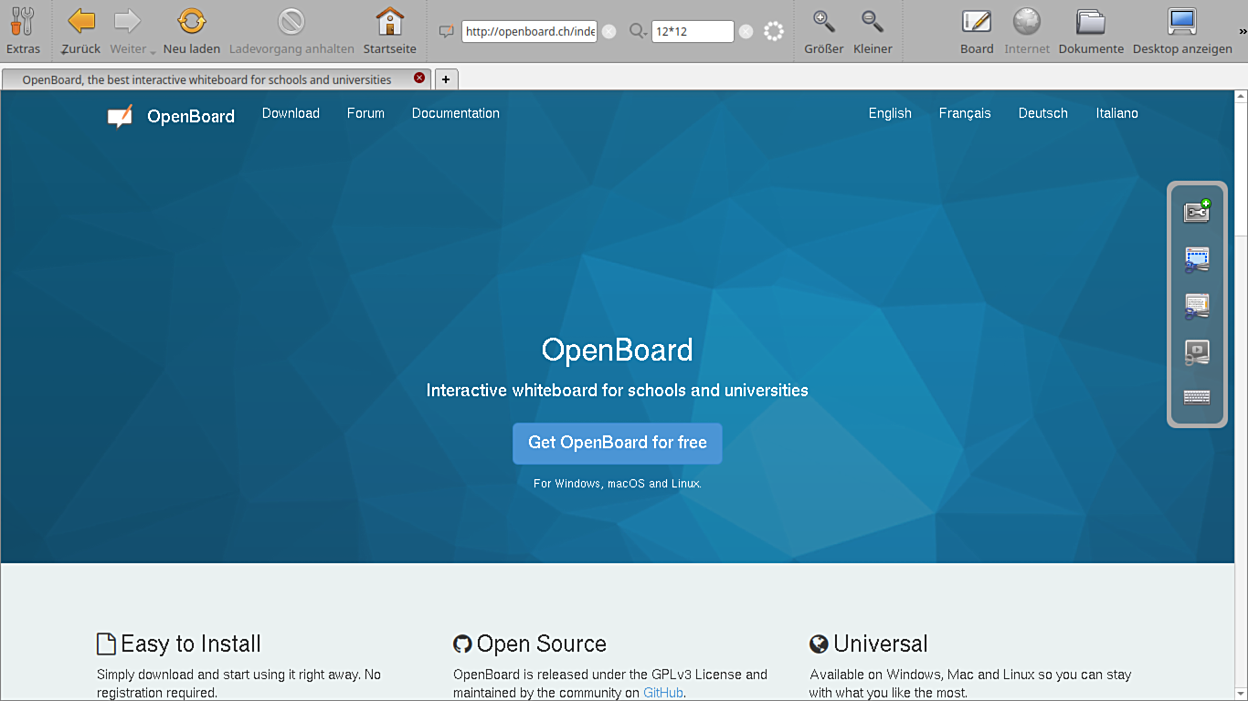
- Academic Focus: Developed by the Département de l'Instruction Publique (DIP-SEM), its feature set is directly tailored to the practical needs of schools and universities.
Who Is This Interactive Tool For?
This software is an outstanding fit for K-12 teachers, university professors, and academic presenters who utilize Linux systems. If your daily workflow involves explaining complex diagrams, solving equations in real time, or guiding students through visual slides, this platform offers the stability and specialized toolset you need without licensing fees or proprietary hardware lock-in.
Is It the Right Choice for Your Classroom?
If you need a reliable, open-source solution that respects user privacy and works beautifully with interactive displays or tablet inputs, this application is highly recommended. To explore its capabilities firsthand or install it on your system, head over to the official Flathub page to get started with the OpenBoard interactive whiteboard software.