MPC-BE
Discover MPC-BE, the ultimate open-source media player for Windows. Read our review to see how this lightweight powerhouse elevates your video playback.
A Modern Take on Classic Media Playback
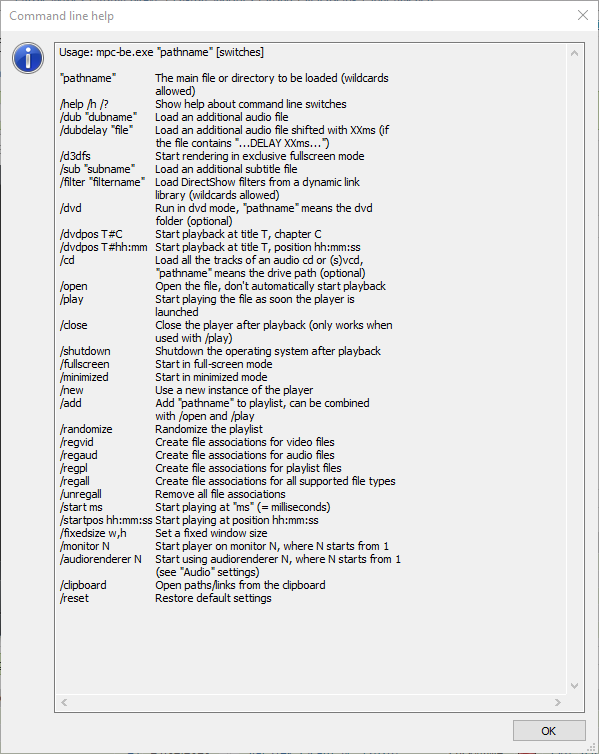
Finding a reliable software solution that handles all your video and audio files without system lag can be a challenge. The MPC-BE Windows media player addresses this exact issue by combining the nostalgic, lightweight interface of classic players with modern, high-performance rendering engine updates. Developed by Hauke Hasselberg, this open-source application is designed specifically for Windows users who want speed, deep customization, and zero unnecessary bloat.
The Evolution of a Classic
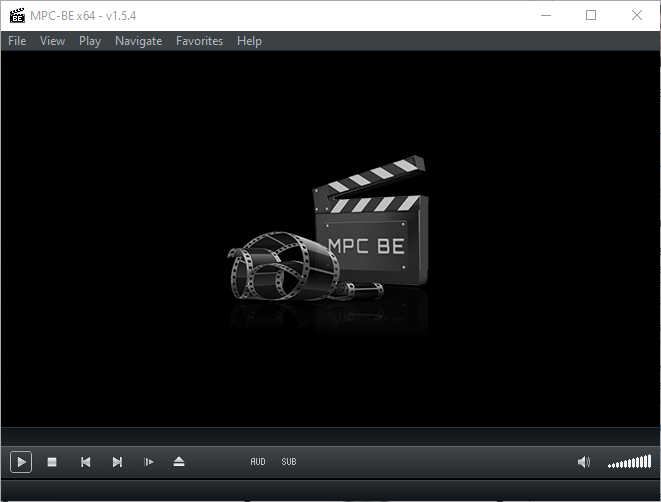
If you have ever used Media Player Classic or MPC-HC in the past, the interface of the MPC-BE Windows media player will feel instantly familiar. However, this "Black Edition" is not just a cosmetic reskin. It represents a significant step forward, incorporating numerous bug fixes, improved format compatibility, and a sleek, dark-themed user interface out of the box. It bridges the gap between old-school efficiency and modern hardware acceleration needs.
Key Features of MPC-BE
- Extensive Format Support: Plays almost any audio or video file format without requiring complex external codec packs.
- Lightweight Footprint: Highly optimized code ensures that even high-definition 4K playback runs smoothly on older hardware.
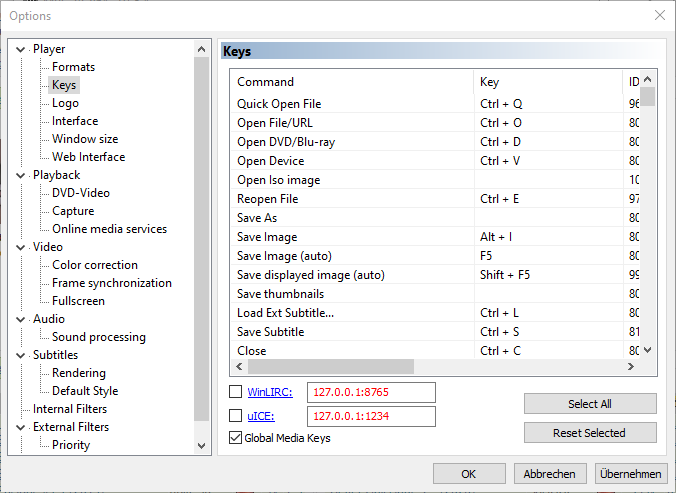
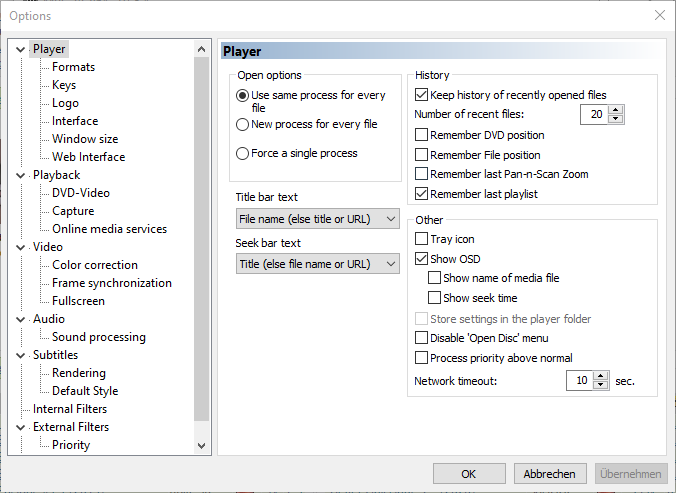
- Customizable Interface: Features a modern dark theme with customizable controls, preview seeking on the seekbar, and flexible playlist management.
- Active Development: Built upon the legacy of the Gabest and Casimir666 projects, incorporating continuous bug fixes and performance enhancements.
How It Fits Into Your Daily Workflow
Unlike resource-heavy modern streaming applications, the MPC-BE Windows media player focuses entirely on local playback efficiency. Whether you are reviewing raw footage, listening to high-fidelity audio files, or watching high-bitrate movies, this tool launches instantly. It respects your system resources, making it an excellent primary player for laptops and high-performance workstations alike.
Is It Right for You?
If you value privacy, open-source transparency, and distraction-free playback, this utility is hard to beat. It avoids the telemetry and constant update prompts common in other modern players, giving you complete control over your rendering settings, subtitle synchronization, and audio tracks.
To experience this streamlined playback utility yourself, head over to the official Microsoft Store to download the MPC-BE Windows media player for your system.